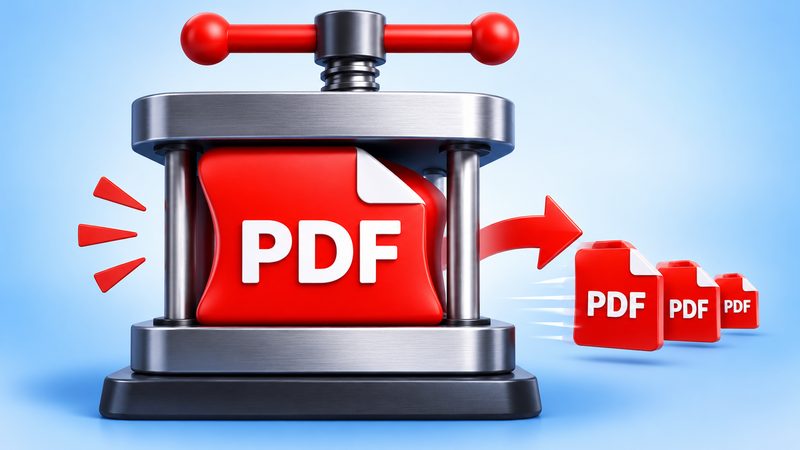
A PDF that is too big gets rejected everywhere: email attachments bounce, forms refuse the upload, and chats cap the file size. PixKitTools' PDF Compressor shrinks any PDF in your browser — free, with no signup and no upload.
Compress a PDF in 3 steps
- Open PDF Compressor.
- Upload your PDF (up to 50 MB).
- Pick a mode and press “Compress PDF”. The smaller file downloads straight away, and you see exactly how much you saved — for example, 4.2 MB → 1.1 MB (74% smaller).
Two modes: Optimize or Compress pages?
- Optimize — keep text selectable. The PDF is cleaned up: extra metadata is removed and the file is re-saved efficiently. Your text stays selectable and searchable, and the layout never changes. Best for text documents, forms and CVs. Typical saving: a few percent up to 20%. If Optimize finds nothing to save, it tells you honestly instead of handing you a bigger file.
- Compress pages — smallest file. Every page is rebuilt as a JPG image at the quality you choose: High (150 DPI), Medium (110 DPI) or Low (72 DPI). This cuts the size by 50–80% and works best on scanned or photo-heavy PDFs. The trade-off: text becomes part of the image, so it can't be selected or searched.
Which quality should you pick?
- High (150 DPI) — for documents people will read on screen or print. Text stays crisp.
- Medium (110 DPI) — the best balance for email attachments and form uploads. This is the default.
- Low (72 DPI) — the smallest file, for quick sharing where perfect sharpness doesn't matter.
Why is my PDF so big?
Most of the size comes from images inside the PDF: scanned pages, photos and logos saved at full resolution. A 20-page scanned document can easily pass 30 MB. Text itself is tiny — so a text-only PDF barely shrinks with Optimize, while an image-heavy one can drop by three quarters with Compress pages.
What it can't do
Password-protected PDFs can't be opened — unlock the file first. Files over 50 MB are too big for a browser tab; split them first, then compress each part. And no browser tool compresses as hard as a paid server service — but unlike those, PixKitTools never uploads your file, so private documents stay private.
Is it really free?
Yes. All 22 PixKitTools tools are free with no signup, no watermark and no daily limit, and everything runs in your browser.