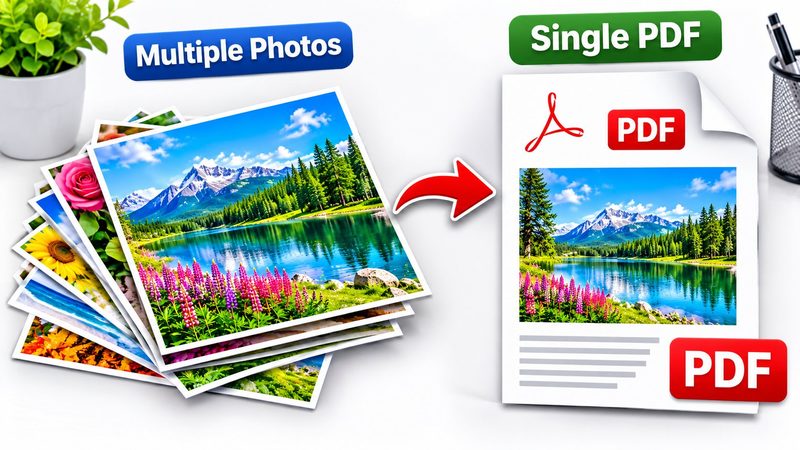
Photos are easy to share one by one — and a mess to share as a set. A single PDF keeps them in order, in one file, that anyone can open anywhere. PixKitTools' JPG to PDF merges your photos into one PDF in your browser, free, with your choice of page size and orientation.
JPG to PDF in 4 steps
- Open JPG to PDF.
- Upload one photo, or many at once — each photo gets its own page, in the order you add them.
- Choose the page size (A4, Letter or Legal) and the orientation (portrait or landscape).
- Click Make PDF and download it. No signup, no watermark, and your photos are never uploaded.
Page size: A4, Letter or Legal?
- A4 (210 × 297 mm) — the international standard. Use it for documents, assignments and anything printed outside the USA.
- Letter (216 × 279 mm) — the US standard for letters, forms and office documents.
- Legal (216 × 356 mm) — the taller US size, used for contracts, legal documents and forms that need the extra length.
Portrait or landscape?
- Portrait — the right choice for documents, portrait photos and anything people will read top to bottom.
- Landscape — the right choice for wide photos, screenshots, scans and slides. A wide photo on a portrait page wastes half the page; landscape fills it properly.
What is it good for?
- Assignments and homework: scan your pages, merge them into one PDF, send it in.
- Photo sets: a trip, a project, a product catalogue — one file instead of twenty attachments.
- Documents: receipts, certificates and ID scans, kept together in order.
Is it really free?
Yes. All 22 PixKitTools tools are free with no signup, no watermark and no daily limit, and your photos never leave your device.