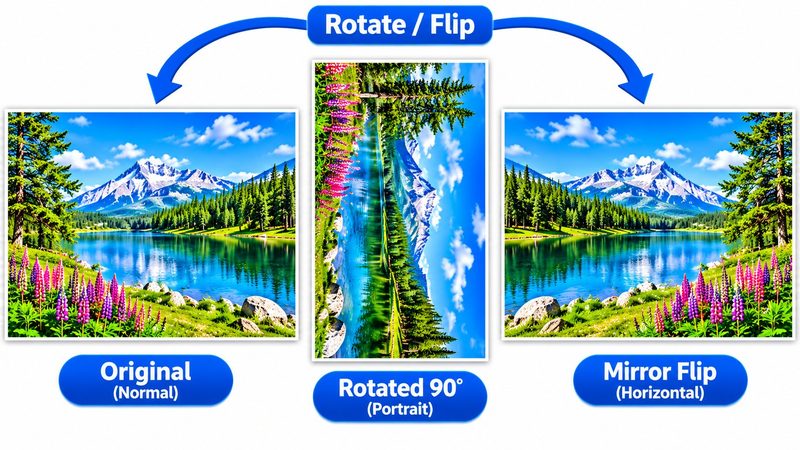
Phone photos come out sideways more often than anyone admits — a photo taken with the phone tilted, a scan fed in the wrong way, a screenshot that needs flipping. PixKitTools' Rotate & Flip fixes it in seconds: quarter turns, any custom angle, and mirror flips, free in your browser.
Rotate or flip in 3 steps
- Open Rotate & Flip.
- Upload your photo.
- Rotate it 90° or 180°, set a custom angle, or mirror it horizontally or vertically — then download. Rotations add up, so you can turn, then turn again.
Quarter turns vs custom angle
- 90° / 180° — for photos that are fully sideways or upside down. One click fixes them.
- Custom angle — for a slightly tilted photo: a crooked horizon, a scanned page that sits at an angle. Small adjustments of 1–5° usually straighten it.
Mirror vs rotate — what's the difference?
Rotating turns the photo like a steering wheel; mirroring flips it like a reflection in a mirror. Mirroring is what you want for a selfie that came out reversed, or for text that reads backwards. Rotating is what you want when the photo is simply the wrong way up. The two are not interchangeable — a mirrored photo looks right but is actually backwards.
Is it really free?
Yes. All 22 PixKitTools tools are free with no signup, no watermark and no daily limit, and your photos never leave your device.