Free Online Image Tools — Edit Photos in Seconds
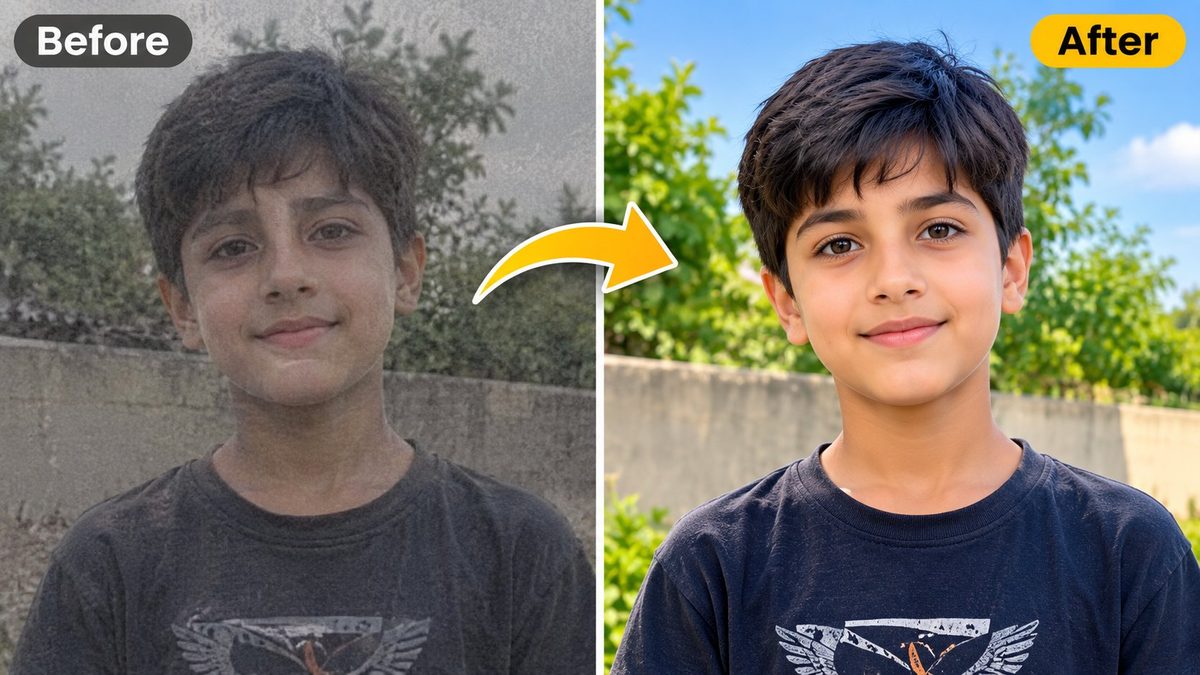
Remove backgrounds, compress to 20KB, make passport photos, convert formats, create pencil sketches and drawings, upscale photos, make PDFs, add watermarks and memes, colorize old photos, convert HEIC to JPG, extract PDF pages, generate favicons, crop photos and apply filters. 100% free, no signup, and your images never leave your device.
Start EditingPrivate by design • No uploads • No watermark
All Image Tools — Free, Fast, Private
Pick a tool below. Each tool has its own page — nothing to install.
How It Works — 3 Simple Steps
Upload
Choose a tool, then drag and drop your photo or click to upload. Files up to 20 MB are supported.
Adjust
Set quality, size, DPI, background or sketch style with simple sliders and presets. See a live preview.
Download
Download one file, or everything at once as a ZIP. No signup, no watermark, no waiting.
Why Use PixKitTools?
100% Private
Your images never leave your device. There is no server upload at all.
Fast & Free
All tools run in your browser with no signup, no watermark and no daily limit.
Works Everywhere
Mobile, tablet and desktop. Upload to any static host: cPanel, Netlify, GitHub Pages or Cloudflare Pages.
Batch Processing
Compress, convert and download many images at once as a ZIP file.
Free Online Image Tools — Complete Guide
PixKitTools is a free online image toolkit that works entirely in your browser. You can remove a photo background, compress an image for an online form, create a passport size photo, convert between JPG, PNG, WebP and AVIF, turn a picture into a pencil sketch, or auto-enhance a photo's quality. There is nothing to install, no account to create and no watermark on your results. Because every tool runs on your own device, your photos are never uploaded to a server, which makes PixKitTools a safe choice for personal photos, ID pictures and school or office documents.
How to Compress an Image to 20KB
Many government forms, job portals, exam applications and university admissions ask for a photo or signature under a strict size limit, often 20KB or 50KB. Open the Image Compressor, upload your image and select the 20KB target. PixKitTools then reduces the quality step by step until the file fits the limit, while keeping the picture as clear as possible. You can compare the original size with the compressed size and see exactly how many percent you saved. If a photo cannot reach 20KB without looking bad, the tool keeps the lowest usable quality and shows you the real final size, so you always know where you stand before you submit a form.
Passport Size Photo Maker Online Free
A passport size photo must have exact dimensions, and a wrong size is a common reason for form rejection. With the Passport Photo Maker you can upload any photo, choose the Passport 35x45 mm preset, US Passport 2x2 inch, 1.5x2 inch, 1x1 inch, CNIC or ID size, or the 413x531 px size used at 300 DPI. The built-in crop tool locks the aspect ratio, so your photo can never come out stretched or squeezed. Set the DPI to 72 for screen use, 150 for normal printing or 300 for studio-quality prints, pick a white or colored background, and download. You can also arrange many copies on one 4x6 inch or A4 print sheet, or exactly 6 copies of one photo on a page, which saves paper and printing cost at any photo studio.
Remove Backgrounds Without Photoshop
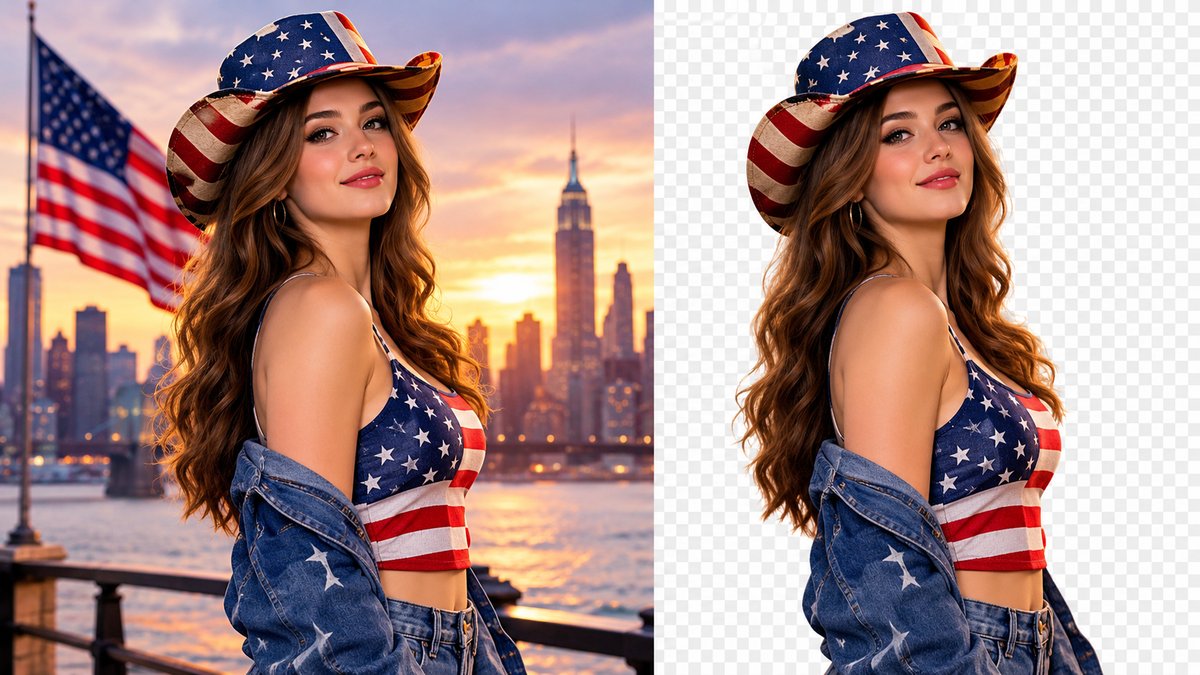
The Background Remover uses an AI model that runs locally in your browser to separate the subject from its background. Upload a product photo, portrait or logo, press one button, and you get a clean transparent PNG. You can keep the transparency, place the cutout on any solid color, or add your own background image. This is ideal for online shops, YouTube thumbnails, school projects and social media posts, and it works without expensive software or design skills.
Convert JPG, PNG, WebP and AVIF
Different websites accept different image formats. JPG is best for photos, PNG keeps transparency, WebP gives smaller files for websites, and AVIF is the newest format with even better compression where the browser supports it. The Format Converter handles all of them in bulk: upload many images, choose the target format and quality, and download everything as a ZIP. Quality control is included for lossy formats, so you decide the balance between file size and sharpness.
Turn a Photo into a Pencil Sketch
The Photo to Sketch tool converts a photo into art using real canvas processing: grayscale, invert, blur and a color-dodge blend, the same technique artists use for pencil drawings. Choose Pencil Sketch for a classic black-and-white drawing, Color Sketch to keep gentle colors, or Cartoon and Outline for bold edges. Sliders control sketch intensity and detail, so you can make a soft light sketch or a deep dark drawing in seconds.
Who Uses These Tools?
Students use PixKitTools for admission forms and assignments, job seekers for CV photos and online applications, small shop owners for product pictures, teachers for classroom material, and creators for thumbnails and social posts. Because the tools are free, private and work on mobile phones, anyone can edit a photo anywhere without installing an app or paying for software. Bookmark PixKitTools and keep your photo toolkit ready whenever you need it.
Frequently Asked Questions
From the Blog — Photo Tips & How-Tos
Short, practical guides that show you how to get the most from PixKitTools' free tools.
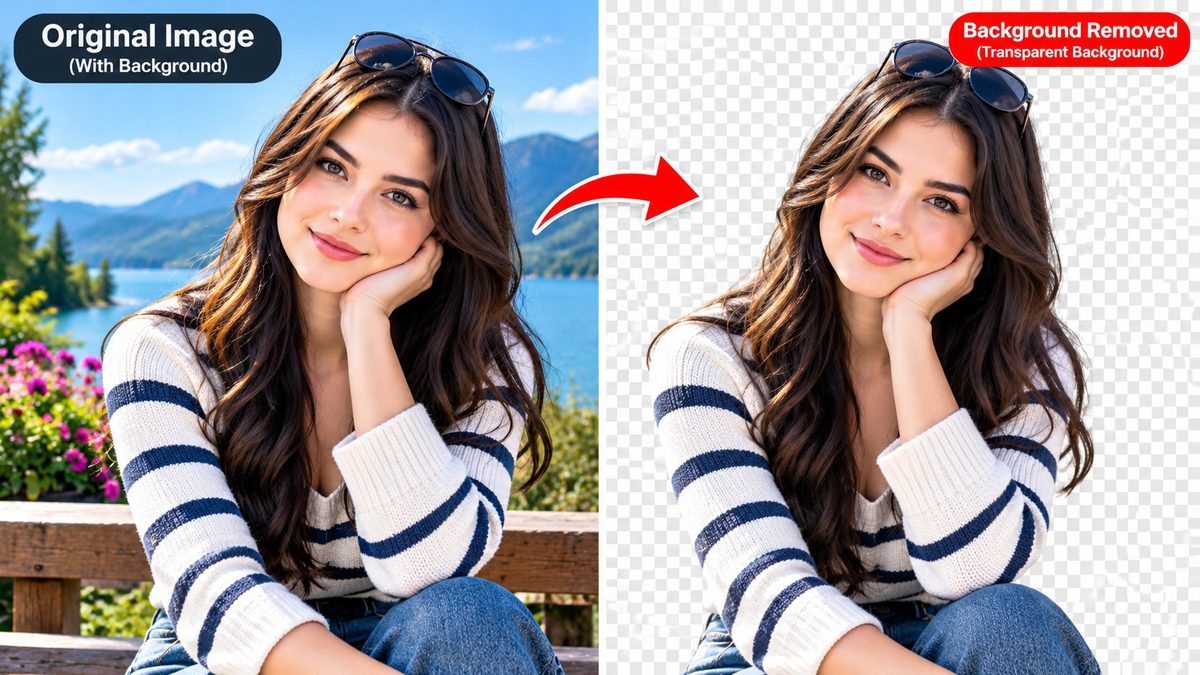
How to Remove Background Free
Remove background free online: remove any photo background in your browser and download a transparent PNG — no signup, no upload.
Read article →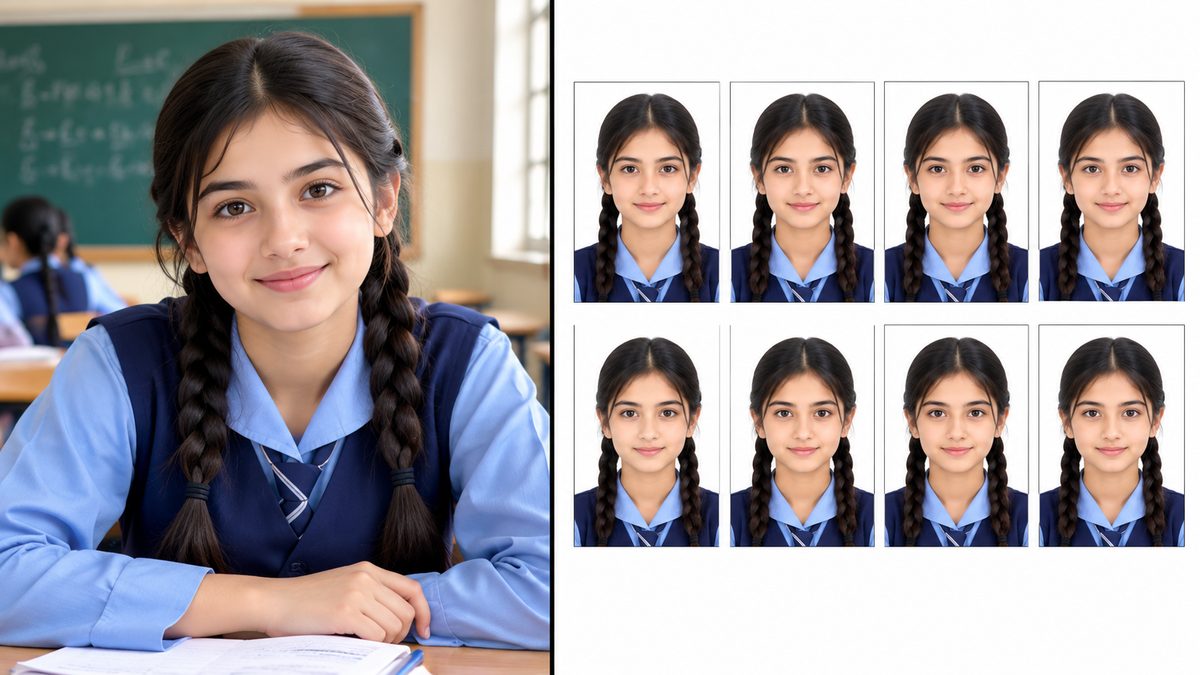
How to Make a Passport Photo at Home (and Print 8 Copies on One Page)
Pick the right size, crop it properly, and print a full sheet of ID photos — no studio visit needed.
Read article →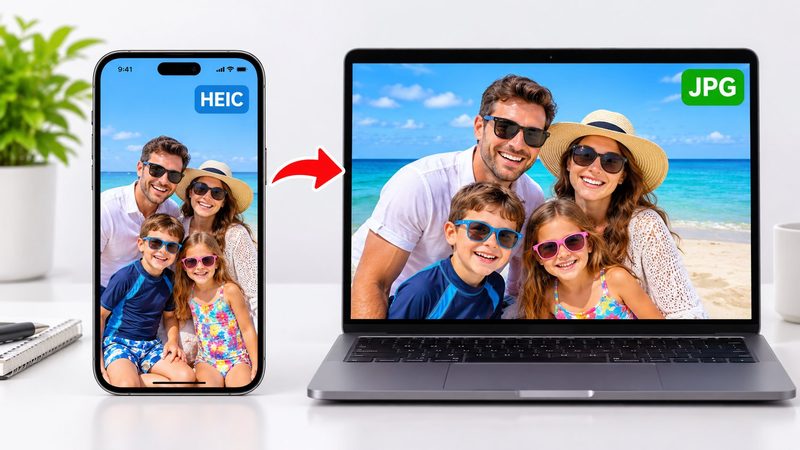
HEIC to JPG: Why iPhone Photos Won't Open on Windows (and the Free Fix)
What HEIC is, why Apple uses it, and how to convert your iPhone photos to JPG in seconds.
Read article →